
I was asked tonight how I got the pictures so large on my blog posts without causing distortion, (thank you for asking Chrisss). There may be others who want to know this information and there may also be an easier way to do it. I'll tell how I do and if anyone else knows of another way with fewer steps, PLEASE let me know.
First, from Adobe Photoshop Elements, I go to "Save for Web" and adjust the size, (the pixel proportions), usually to about 600 width x 900 height and I usually have it at maximum or very high quality.
With Blogger the pictures automatically default to Picasa when loaded onto a blog post.
After the picture has been uploaded to the new blog post, I go to Picasa and locate it in my album. I then go to "Link to this Photo". Select the size "Large" copy the html code to "Embed Photo". I then go back to my new blog post click on "Edit Html" delete the original picture, (Html) and then paste the "Large" html code where I want it to go in the post.
This is probably clear as mud, and there should be an easier way, but this is the only way I know how to do it. Hope this helps you, Chrisss!
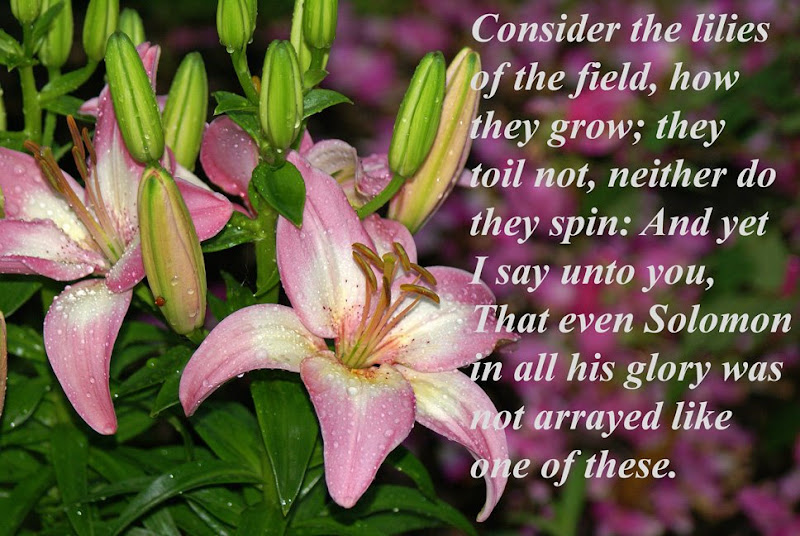
I've also been playing with putting texts on some of my pictures. I thought the picture of the lilies was perfect for this verse.
I hope everyone has a great rest of the weekend!


